
Link Payments Explained: How Pay by Link Works for Businesses

- What Is a Link Payment?
- How Link Payments Work
- What Are the Key Steps in the Pay-by-Link Process?
- Link Payment Systems: Types You’ll Come Across
- Link Payments and Contextual Commerce
- Benefits of Pay by Link for Customers
- The Benefits of a Payment Link for a Merchant
- Common Mistakes to Avoid With Payment Links
- How fastrr by Shiprocket Turns Every Conversation Into a Checkout
- Conclusion
A shopper DMs your Instagram page at 11 pm asking if the blue kurta is available in size M. Your team replies the next morning, the shopper says “great, how do I pay?”, and then you send them a product URL. They have to find the size again, add to cart, log in and fill in their address. Half the time, they never finish.
A link payment removes that gap. You send one secure link with the item and amount already set, and the shopper pays in the same chat where they asked the question. No cart, no hunting, no lost intent.
For Indian D2C brands that sell across WhatsApp, Instagram, marketplaces and their own store, pay by link has quietly become one of the most useful ways to get paid. This guide explains how link payments work, the steps involved, the benefits for merchants and where they fit into a modern checkout strategy.
What Is a Link Payment?
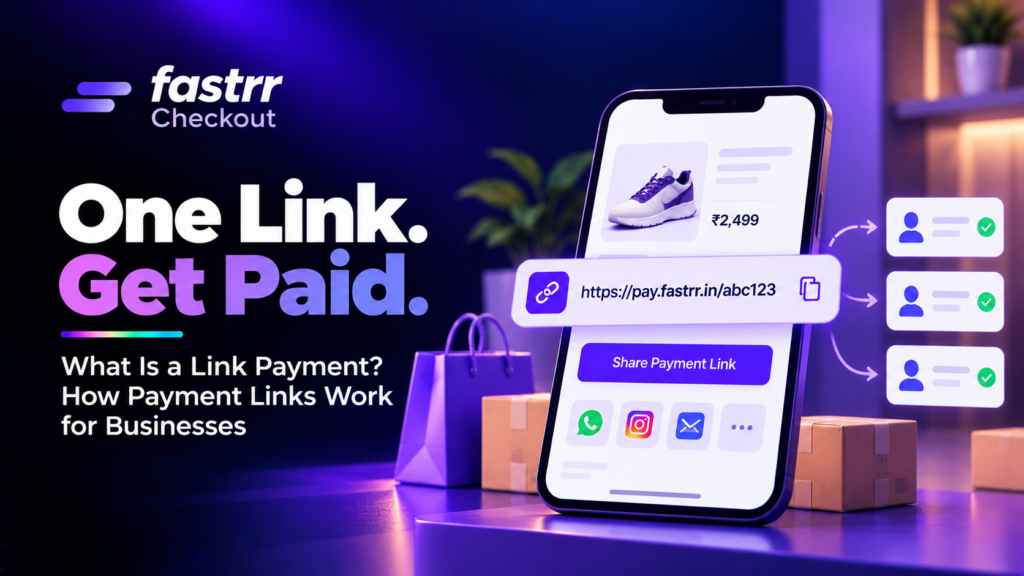
A link payment, also called pay by link or a payment link, is a URL that takes a customer straight to a secure, hosted payment page. The merchant sets the amount, the description and sometimes an expiry date before sharing it.
The customer doesn’t need to visit your website or browse a catalogue. They tap the link, choose how to pay with link-based options such as UPI, cards, net banking or wallets, and complete the payment in under a minute.
Payment links are created through a payment gateway or aggregator dashboard, an app or an API. If you want a closer look at the tools themselves, our guide to payment link generators compares the features to look for.
Payment Link vs Website Checkout
Both collect money, but they suit different moments.
| Payment link | Website checkout | |
|---|---|---|
| Where the sale starts | Chat, social media, email, phone, in person | Your online store |
| Who sets the cart | The merchant | The shopper |
| Setup needed | A gateway account | A store, product pages and a checkout |
| Best for | Custom orders, social selling, collections, recovery | Self-serve browsing and repeat buying |
| Customer effort | Tap and pay | Browse, add to cart, fill details, pay |
Most growing brands use both. The website handles self-serve traffic, and links catch the sales that start in conversations.
How Link Payments Work
Behind the simple tap is the same payment chain that powers any online purchase.
- The merchant creates the link. In the gateway dashboard or through an API, you enter the amount, product or order details, customer contact and optional settings like expiry or partial payment.
- The system generates a unique URL. Each link maps to that specific payment request, so the gateway knows exactly what it’s for.
- The link is shared. You send it by WhatsApp, SMS, email, social DM or a QR code.
- The customer opens a hosted page. The gateway, not your website, hosts this page, so card and bank data never touch your servers.
- The payment is authorised. The gateway sends the request to the card network, UPI switch or bank, and the bank approves or declines it.
- Both sides get confirmation. The customer sees a success screen, and you get a real-time update in your dashboard, often with a webhook to your order system.
- Settlement follows. Funds land in your bank account on the gateway’s normal settlement cycle.
In India, any business that collects online payments for merchants as a payment aggregator falls under the RBI’s guidelines on payment aggregators and payment gateways. Those rules also bar merchants from storing customers’ card credentials, which is one reason hosted payment pages make life simpler for brands.
What Are the Key Steps in the Pay-by-Link Process?
Here’s the practical, merchant-side version of the process, from setup to reconciliation.
1. Set Up a Gateway Account
Sign up with a payment gateway or aggregator that supports payment links, complete KYC and connect your settlement bank account.
2. Create the Payment Link
Enter the amount, a clear description such as “Order #1043: 2 cotton kurtas, size M”, and the customer’s phone number or email. Add your logo so the page looks familiar.
3. Choose Link Settings
Decide on expiry time, whether partial payments are allowed, which payment methods to show and whether to send automatic reminders.
4. Share It Where the Customer Is
Send it in the same channel the conversation is happening in. A link dropped in an ongoing WhatsApp chat feels natural. A cold SMS from an unknown number feels risky.
5. Track and Remind
Watch the link status: created, opened, paid or expired. Send a polite reminder if a link is opened but not paid.
6. Confirm, Fulfil and Reconcile
Once the payment succeeds, create the order, share the confirmation and match the payment to the order in your books. Our guide to ecommerce payment reconciliation shows how to keep that tidy as volumes grow.
Link Payment Systems: Types You’ll Come Across
Not every payment link works the same way. Most link payment systems fall into a few types.
Single-Use Links
Created for one customer and one payment, such as a custom order or an invoice. Once paid, the link closes.
Reusable or Multi-Use Links
One link that many customers can pay, which is useful for a fixed-price product drop, a workshop ticket or a donation drive.
UPI Payment Links
Links that open a UPI app directly with the merchant’s VPA and the amount filled in. They’re popular because most Indian shoppers already have a UPI app. Our walkthrough on how to generate a UPI payment link covers the setup.
QR Code Links
The same payment request shown as a QR code for in-store, events or printed invoices. See our guide to QR code payments for when they work best.
API-Generated Links
Links created automatically by your systems, such as when a cart is abandoned, a COD order needs conversion or a subscription renews. This is where links stop being a manual tool and become part of your growth stack.
Link Payments and Contextual Commerce
Contextual commerce means letting people buy at the moment and in the place where they discover something, rather than making them go to a store. A product in a reel, a recommendation in a chat or a reply from an influencer can all become a sale on the spot.
Payment links are what make that possible. They turn any conversation into a checkout:
- Social DMs: A shopper asks about a product on Instagram, and the reply includes a link to pay.
- WhatsApp commerce: Catalogue browsing, questions and payment all happen in one thread.
- Influencer and creator drops: A creator shares a limited-edition link with their audience.
- Assisted selling: A stylist, nutritionist or sales rep builds a custom bundle and sends one link for it.
- Phone orders: Instead of reading card details over a call, the agent sends a link and the customer pays securely.
India is a strong market for this. Huge numbers of shoppers already chat with brands on messaging apps and pay with UPI every day, as NPCI’s UPI product statistics show month after month. Link payments meet them in both places at once. For the bigger picture, our post on social commerce trends covers how brands are selling through these channels.
Contextual commerce also ties into omnichannel payments, where the customer can start on one channel and pay on another without losing their order.
Benefits of Pay by Link for Customers
Customers like payment links because they’re quick and familiar.
- No account or cart needed. The order is already set, so they just pay.
- Their preferred method. UPI, cards, net banking, wallets and sometimes EMI or BNPL, all on one page.
- Pay on their own time. They can pay now or later from the same message, before the link expires.
- Safer than sharing card details. No reading out card numbers over the phone or typing them into a chat.
The Benefits of a Payment Link for a Merchant
For the business, the gains show up in cash flow, conversion and operations.
Faster Collections
You don’t wait for a customer to find your store. You send the link the moment they say yes, and money moves while intent is high.
More Prepaid Orders
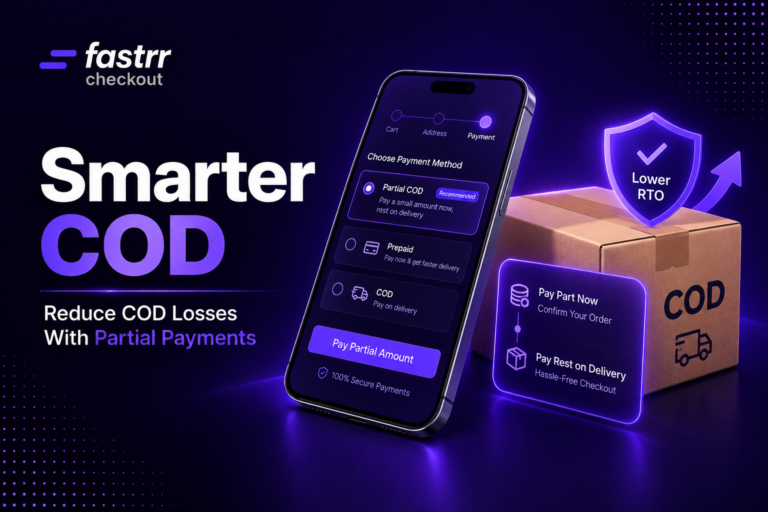
COD is still common in India, but it ties up cash and raises RTO risk. Sending a payment link before dispatch, often with a small prepaid incentive, nudges more buyers to pay upfront. Our guide to increasing prepaid orders shares more tactics, and partial COD payments are a useful middle ground for cautious buyers.
Sell Without a Website
New brands, Instagram sellers and service businesses can start taking payments before building a full store.
Recover Lost Sales
A link can bring back a shopper who dropped off. Send them a link to their saved cart or order, and they can finish in one tap. Our guide to cart abandonment explains why shoppers leave in the first place.
Lower Security and Compliance Burden
Because the gateway hosts the payment page, card data is handled by a provider that follows the PCI DSS standards, not by your team. That doesn’t remove your responsibilities, but it shrinks them.
Better Tracking
Every link has a status and a reference, so you can see who opened, who paid and who needs a nudge, without chasing screenshots of UPI payments.
Common Mistakes to Avoid With Payment Links
Payment links are simple, but a few slips can hurt trust and conversion.
- Sending links from unknown numbers. Use your verified business accounts so customers know it’s really you.
- Vague descriptions. “Payment ₹1,499” looks suspicious. “Order #1043: Blue kurta, size M, ₹1,499” doesn’t.
- No expiry. Old links that still work can cause duplicate or mistaken payments.
- Too many reminders. One or two polite follow-ups are fine. Five feels like spam.
- Ignoring fraud awareness. Scammers also send fake links, so educate customers on what your real links look like. Our guide to fake UPI payment scams is a good reference to share with your support team.
How fastrr by Shiprocket Turns Every Conversation Into a Checkout
A payment link gets a shopper to pay, but contextual commerce works best when the link leads to a fast, smart checkout. That’s where fastrr Checkout by Shiprocket fits in.
fastrr sends automated WhatsApp, SMS and email recovery messages to shoppers who leave, with a link that restores their cart and address, so a drop-off on your site becomes a one-tap return from the chat they already use. When they land, one-click login with Truecaller, SSO or OTP-less options and pre-filled addresses from the Shiprocket network cut out form filling.
Smart QuickPay then suggests the payment mode they’re most likely to use. To shift more orders to prepaid, you can offer exclusive discounts that convert COD to prepaid and use the RTO prediction engine to limit COD for high-risk shoppers. [[VERIFY: confirm whether Shiprocket Checkout currently offers native payment link generation for merchants, as described in the payment link generators post]] Explore the full list of fastrr Checkout features or see how fastrr Checkout can help you convert more of the conversations you already have.
Conclusion
A link payment is one of the simplest ways to get paid: set the amount, share a secure URL and let the customer pay in the channel they already trust. It shortens the path from “I want this” to “paid”, which is exactly what conversational and social selling needs.
For merchants, the benefits go beyond convenience. Payment links bring faster collections, more prepaid orders, easier recovery of lost sales and less exposure to sensitive card data. Pair them with a fast checkout and smart recovery, and every chat, DM and call becomes a real chance to sell.