

Invoice Processing 101: Meaning, Common Methods, Workflow & Benefits

- An Overview of How Invoice Processing Works
- Various Approaches to Processing Invoices Efficiently
- Breaking Down the Invoice Processing Journey
- Advantages of an Automated Invoice Processing System
- Major Roadblocks Faced During Invoice Processing
- Proven Ways to Optimise Your Invoice Processing System
- Streamline Payments with Shiprocket Checkout for Faster Invoicing
- Conclusion
Handling invoices might not sound exciting, but it’s inevitably essential for keeping your business finances on track. Whether you’re a small business, a startup, or a large enterprise, it will only help if you invest time in understanding how invoices work.
Proper or automated invoice processing system can save time, reduce mistakes, and improve cash flow. One report revealed that businesses saw processing times drop by 80% and errors cut in half after switching to automated tools. Companies with strong systems get through invoices faster and have fewer issues than others.
This blog post talks about how invoice processing works, different methods, common problems you may face, and how automation eases things.
An Overview of How Invoice Processing Works
Invoice processing is how a business manages supplier invoices, from when they’re received to when payment is made. It covers checking the invoice for accuracy, matching it with purchase orders or delivery notes, getting it approved, and finally making the payment.
In a traditional setup, invoice processing system is usually manual, which means paperwork, spreadsheets, and a lot of back-and-forth between departments. In contrast, modern invoice systems use software to reduce manual work, speed things up, and improve accuracy.
Whether you’re paying vendors or managing incoming invoices, a clear process can help avoid delays, missed payments, or duplicate entries.
Various Approaches to Processing Invoices Efficiently
Different firms use different invoice processing methods depending on their size, volume of invoices, and available tools. Below are some of the common ways:
Manual Invoice Processing
This method is still common with small businesses or those just getting started. It usually involves the following steps:
- Receiving paper or email invoices.
- Printing these invoices.
- Checking line items by hand.
- Sending them for approval.
- Then, payments are made through bank transfers or cheques.
Spreadsheet-Based Tracking
Some teams use Excel or Google Sheets to track invoice details. While these tools help organise basic data, they don’t prevent delays or human errors. They’re usually a stepping stone before switching to digital tools.
Accounting Software
Popular tools like Tally, QuickBooks, or Zoho Books are well-equipped to handle invoice creation, matching, approval, and payment tracking. These platforms make things easier by doing things like:
- Keeping records in one place.
- Setting up reminders.
- Allowing integration with bank accounts or payment gateways.
Automated Invoice Processing Tools
Advanced tools process invoices using OCR (optical character recognition), AI, and workflow automation. They can extract data from PDFs or images, auto-match them with purchase orders, and send them for digital approval.
Once this is cleared, the system schedules the payment and updates the records. This setup is fast, consistent, and reduces manual effort.
Breaking Down the Invoice Processing Journey
This is how typical invoice processing rolls out:
1. Receiving the Invoice
The supplier sends an invoice via email, post, or upload to a portal. The format could be PDF, paper, or generated from their software.
2. Data Entry and Verification
Details such as invoice number, supplier name, amount, GST, and payment terms are captured and checked against the purchase order or delivery record. Any mismatch gets flagged here.
3. Approval Workflow
Once verified, the invoice is sent to the concerned department or manager for approval. This could involve one or multiple levels of sign-off, depending on the organisation’s policies.
4. Payment Processing
After approval, the finance team schedules or releases the payment, either manually or through software.
5. Recording and Archiving
Finally, the invoice and payment details are logged into the accounting system for future reference, audits, or reporting.
Advantages of an Automated Invoice Processing System
Moving to an automated invoice processing system makes a big difference, especially when you handle many invoices every month.
These are some benefits of automated invoice processing:
Less Mistakes
Manual data entry usually leads to errors. Nearly 40% of invoices contain mistakes, ranging from incorrect billing addresses to duplicate payments.
Automated systems with technologies like Optical Character Recognition (OCR) and machine learning can reduce these errors by up to 50%.
For instance, companies using automation report recorded an invoice error rate of just 0.8%, much better than the 2% error rate in manual processes.
Quicker Approvals
Waiting for paper approvals or chasing signatures via email can delay payments. But automated workflows can streamline this by instantly directing invoices to the appropriate approvers.
Because of this, many businesses have reduced their invoice processing time from an average of 16.3 days to just 3.9 days, which marks a 76% improvement.
Better Cash Flow Management
You must get and make timely payments if you want to maintain a healthy cash flow.
Automation gives you real-time insights into pending invoices and payment schedules, which helps you plan more effectively. A study shows that 73% of firms have witnessed an improved cash flow after implementing accounts payable automation.
Stronger Control and Transparency
Manual invoice processing systems can make tracking invoice status and approvals challenging. Automated systems offer real-time visibility into each step of the invoice lifecycle, making it easier to monitor progress and address issues promptly. This transparency improves internal accountability and strengthens relationships with suppliers by ensuring timely and accurate payments.
Time Savings
Manual invoice processing is time-consuming and can take up to 20.8 days per invoice, costing you around $7.75 each. Automation can slash your processing time to as little as 3.8 days and cut costs to about $2.00 per invoice. This efficiency allows your finance team to focus on more strategic tasks, like financial planning and analysis.
Major Roadblocks Faced During Invoice Processing
Even with the best efforts, invoice processing can come with its own troubles:
- Missing or Incomplete Invoices: Invoices without PO numbers, incorrect GST details, or unclear descriptions usually cause delays.
- Duplicate Payments: If two copies of the same invoice are submitted, it may lead to double payments if proper checks are not performed.
- Approval Delays: When invoices get stuck in someone’s inbox for approval, the entire payment cycle can slow down.
- Lack of Standardisation: Vendors use various formats or naming conventions, which makes it harder to process them quickly.
- Manual Data Entry: This slows down the workflow and increases the chance of errors, especially when the volume of your invoices grows.
- Poor Communication: When multiple teams are involved, like procurement, operations, and finance, a lack of clarity can often cause a lot of confusion.
Proven Ways to Optimise Your Invoice Processing System
If invoice handling feels slow or messy, this is how you can make it better:
Have a Standard Format
You must ask vendors to submit invoices in a specific format with all required details. This will reduce the back-and-forth that happens in the invoice clearance process.
Adopt Digital Tools
Try to get your hands on a tool that automates matching, approval, and payment. It can save you many hours every week.
Make Clear Approval Rules
You should plan and decide in advance who needs to approve which types of invoices. This precise delegation of duty can save you a lot of time and trouble. You can also use software that lets you do rule-based routing.
Track Your KPIs
It’s important to monitor the average processing time, the number of late payments, and error rates. This will help you determine what needs fixing or improvisation.
Do Regular Audits
You must review your invoices periodically to check for duplicate entries, unmatched records, or old unpaid bills. These frequent audits will keep things in check and the system efficient.
Integrate with Accounting and Payment Systems
Go for tools that integrate well with your current software and are easy to use. This will prevent duplicate data entry and keep everything in sync.
Streamline Payments with Shiprocket Checkout for Faster Invoicing
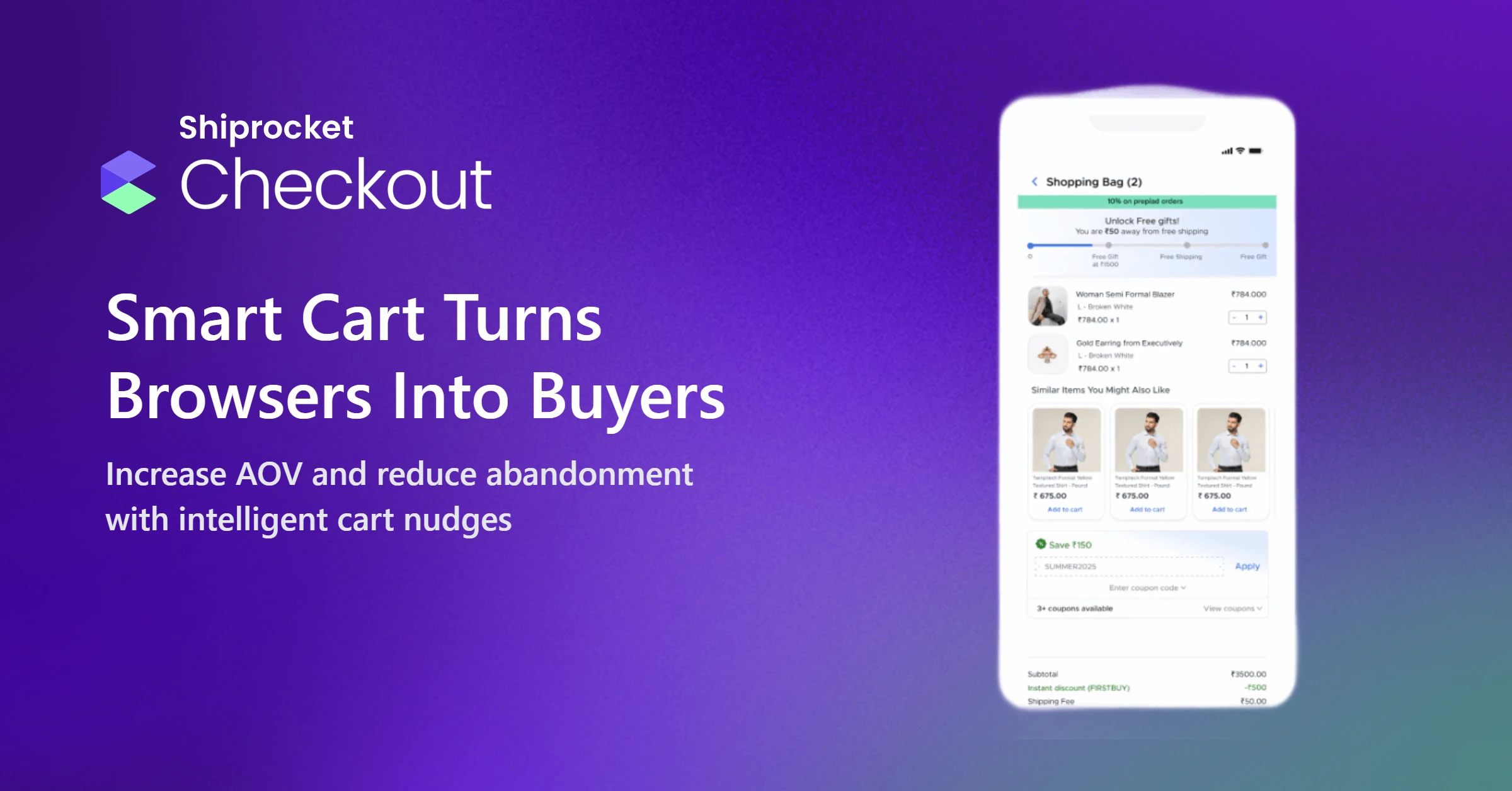
If you have an eCommerce business or offer digital services, fast and reliable invoicing can give you an edge. Shiprocket Checkout is a tool that can effortlessly facilitate this.
We help you streamline invoice generation, payment tracking, and settlement, all from one dashboard. Whether you’re dealing with bulk orders or custom shipments, you can quickly generate GST-compliant invoices, apply discounts, and track what’s been paid and what’s pending.
Plus, with real-time updates and integration with your existing sales, you’ll never need separate billing or data-entry tools. Another perk is that you’ll build solid customer trust by offering a seamless experience at checkout through our advanced tool.
Conclusion
Invoice processing is one of the most important parts of running a business. Whether you’re just starting out or scaling fast, getting your invoicing workflow right can save you a lot of trouble down the line.
You can keep things going smoothly by taking these three important steps: switching from manual processes to digital tools, setting up clear approval flows, and tracking key metrics.
If you want a hassle-free way to manage invoices and payments together, solutions like Shiprocket Checkout can help.